
Powerful Next-Gen AI Photo Editors: Canva AI, Adobe Firefly & Midjourney Redefine Visual Creation
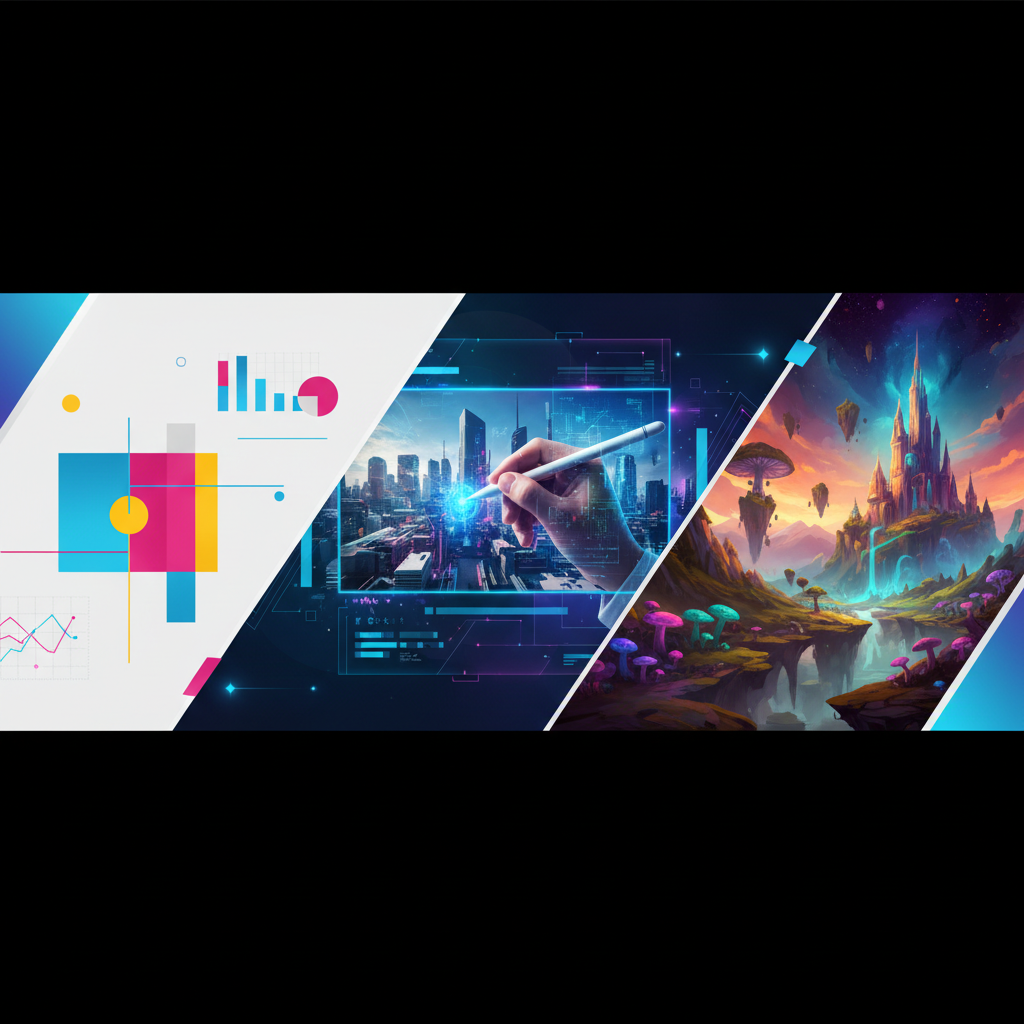
Powerful Next-Gen AI Photo Editors: Canva AI, Adobe Firefly & Midjourney Redefine Visual Creation
The landscape of visual design is undergoing a seismic shift. Gone are the days when professional-grade photo editing and creation were locked behind steep learning curves and expensive software. Today, a new generation of AI photo editors is democratizing creativity, allowing anyone with an idea to generate stunning visuals using simple text prompts. Leading this revolution are three powerhouses: Canva AI, Adobe Firefly, and Midjourney.
This article explores how these platforms are redefining visual creation, making advanced design accessible to marketers, entrepreneurs, educators, and hobbyists alike.
> Featured Snippet: Next-generation AI photo editors like Canva AI, Adobe Firefly, and Midjourney enable users to create professional visuals rapidly through intuitive text-to-image prompts. These tools are making advanced graphic design, photo editing, and artistic generation accessible to everyone, regardless of their technical skill level.
The Democratization of Design: AI for Everyone
The core promise of this new wave of AI tools is accessibility. Traditional photo editing required knowledge of layers, masks, and complex toolkits. Now, the primary interface is language. You describe what you want to see, and the AI generates it. This lowers the barrier to entry exponentially, empowering small business owners to craft their own marketing materials, students to visualize concepts, and content creators to produce unique artwork at scale. It’s not about replacing human creativity but augmenting it, turning a vision into a visual draft in seconds.
This shift is fueling a surge in visual content creation across social media, blogs, and advertising. When the toolset is simplified, the focus can return to the idea itself.
Canva AI: Simplifying Design for the Masses
Canva has long been the go-to for user-friendly design, and its integration of AI tools supercharges this mission. Canva AI isn’t a single tool but a suite of features woven into the familiar drag-and-drop interface. Key functionalities include Magic Edit for modifying specific parts of an image with a text prompt and Text to Image for generating new visuals directly within a design project.
Its greatest strength is context. Because it operates inside Canva’s ecosystem, generated images are immediately ready to be placed into presentations, social media posts, or flyers. This seamless workflow makes it ideal for rapid, practical content creation where speed and cohesion are paramount. For a deeper breakdown, explore our AI Tools Guide to see how these compare in real-world use.
Adobe Firefly: Precision Meets Professional Workflow
Adobe Firefly represents the professional creative suite’s strategic embrace of generative AI. Integrated directly into Photoshop, Illustrator, and Express, Firefly is built for precision and non-destructive editing. Features like Generative Fill allow users to remove objects, extend backgrounds, or add elements using prompts while maintaining editorial control.
Firefly is trained on Adobe Stock and public domain content, addressing critical ethical concerns around copyright. This makes it a safer choice for commercial work. Its deep integration means professionals can leverage AI without abandoning their established, sophisticated workflows. It’s the bridge between next-gen AI capabilities and the nuanced needs of seasoned designers and photographers.
Midjourney: The Benchmark for Artistic Generation
Midjourney stands apart as a powerhouse dedicated almost exclusively to generating breathtaking, highly artistic images. Accessed through Discord, it has a steeper learning curve but offers unparalleled depth and stylistic control. Users craft detailed prompts with specific parameters for style, composition, and lighting.
The community-driven nature of Discord fosters a culture of sharing and prompt engineering, where users constantly push the boundaries of what’s possible. Midjourney excels in creating conceptual art, fantasy scenes, and hyper-stylized visuals that often feel more like paintings than photographs. It’s the tool of choice for artists, illustrators, and anyone seeking unique, awe-inspiring imagery.
Key Use Cases for AI Photo Editors
Understanding where these tools shine helps in selecting the right one for the job.
* Marketing & Social Media: Quickly generate branded graphics, ad variations, and engaging social posts. Canva AI and Adobe Express are ideal here.
* Concept Art & Brainstorming: Visualize ideas for projects, stories, or products before production begins. Midjourney excels at this.
* Professional Photo Editing: Perform complex edits like object removal, background replacement, and content-aware fills. Adobe Firefly in Photoshop is unmatched.
* Content Creation: Produce unique blog illustrations, YouTube thumbnails, and podcast artwork without licensing fees.
* Education & Communication: Create custom visuals to explain complex topics or enhance presentations and reports.
Comparing the Titans: Strengths and Best Fits
Choosing between these editors depends on your primary need.
* For Ease & Integrated Workflow: Canva AI is the winner. Its all-in-one platform is perfect for non-designers needing fast, practical results.
* For Professional & Ethical Commercial Use: Adobe Firefly is the clear choice. Its integration with industry-standard software and commercially-safe training data is vital for businesses.
* For Artistic Exploration & Highest Fidelity: Midjourney leads the pack. Its output quality and stylistic range are often considered the best in class for pure image generation.
The Future of Visual Creation with AI
The trajectory points toward even more intuitive and powerful integrations. We can expect more real-time editing, 3D model generation from text, and personalized AI models trained on a user’s own style or brand kit. The line between editing an existing photo and generating a wholly new one will continue to blur.
Furthermore, these tools will become more collaborative, allowing for iterative refinement through conversational feedback. The role of the human will evolve from manual executor to creative director and prompt curator, guiding the AI to realize a specific vision.
Navigating Ethical Considerations
As with any powerful technology, ethical use is paramount. Key considerations include:
* Copyright & Ownership: Always check the terms of service. Who owns the generated image? Adobe’s approach with Firefly offers more clarity for commercial use.
* Bias in Training Data: AI models can perpetuate societal biases present in their training data. Being aware of this helps users craft prompts that mitigate skewed outputs.
* Authenticity and Misinformation: The ability to create hyper-realistic images raises concerns about deepfakes and false content. Responsible use involves transparency about AI-generated media.
Getting Started with AI Photo Editing
Beginning is simpler than you think. Start with a clear goal:
1. Define your need: Are you editing a product photo or creating a fantasy landscape?
2. Try a free tier: Both Canva and Adobe offer accessible free plans to experiment.
3. Learn prompt crafting: Start simple (“a cat on a skateboard”) and add details gradually (“a fluffy orange cat on a neon skateboard in a retro arcade, photorealistic”).
4. Iterate: Use variations and refine your prompts based on the results.
For more hands-on tips and tutorials on mastering these platforms, our comprehensive AI Tools Guide is an excellent next step.
Frequently Asked Questions (FAQ)
Which AI photo editor is best for complete beginners?
Canva AI is the most beginner-friendly. Its intuitive, all-in-one design platform requires no prior software knowledge. You can start creating with text prompts immediately within a familiar template-based environment.
Can I use AI-generated images for commercial purposes (like selling on a website)?
It depends on the tool. Adobe Firefly-generated images are generally safe for commercial use due to their training data. Midjourney allows commercial use for paid members. Always review the specific Terms of Service for the platform you use, as policies are updated frequently.
What is “prompt engineering” and why is it important?
Prompt engineering is the skill of crafting effective text descriptions to guide the AI. A detailed, specific prompt yields better results. Instead of “a dog,” try “a majestic Siberian Husky with blue eyes, running through a snowy forest at golden hour, wide-angle lens.” Specificity in subject, style, lighting, and composition is key.
Do these AI tools replace human designers and photographers?
Not at all. They are powerful assistants that automate tedious tasks and generate raw materials. The human skills of creative direction, emotional intelligence, brand strategy, and nuanced editing remain irreplaceable. These tools augment professionals, allowing them to focus on higher-level creative work.
How do I ensure my AI-generated images are unique and not copied from existing art?
While AI generates novel combinations, it’s trained on existing artwork. To ensure uniqueness, use the tools iteratively. Generate a base image, then use editing features to modify it, combine multiple elements, or add your own personal touch in a traditional editor. This creates a truly derivative work that is more distinctly yours.